Memoir
Upload and organize your personal photo memories with captions.
MediaphotosjournalmediablobgalleryFreeShipped 5mo ago
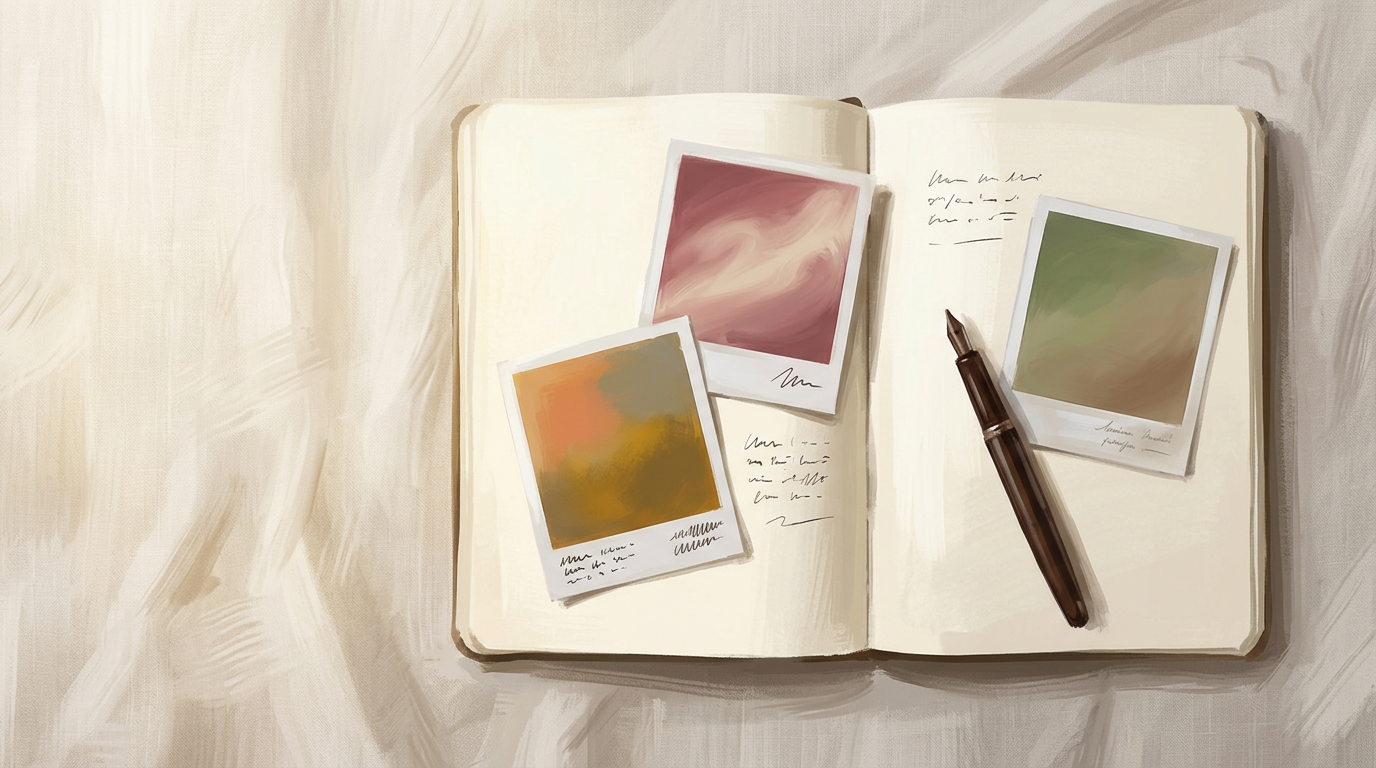
Photo grid view
About this app
Photo Journal is a personal photo storage app that lets you upload up to 10 images with short captions and browse them in a clean thumbnail grid. Each photo is stored securely using signed upload URLs and respects your per-user storage quota. You can view all your entries at a glance, add captions to remember the moment, and delete photos you no longer need. All uploads persist across sessions, so your memories stay safe.
How to use
- Open your photo journalNavigate to the entries page to see all your uploaded photos in a grid view.
- Request an upload URLClick the upload button and select a photo from your device. The app generates a signed PUT URL for secure upload.
- Add a captionEnter a one-line caption to describe the photo or remember the moment.
- Submit the entryConfirm the upload. Your photo and caption are saved to your journal.
- View your galleryRefresh the entries page to see your new photo appear in the thumbnail grid.
- Delete a photoClick the delete button on any thumbnail to remove it from your journal.
- Check your quotaThe app tracks your storage usage. If you reach 10 photos, you must delete one before uploading another.
More screenshots