Sync
Real-time sticky notes that sync across tabs instantly.
Toolswhiteboardsserealtimesticky-notescollaborationFreeShipped 5mo ago
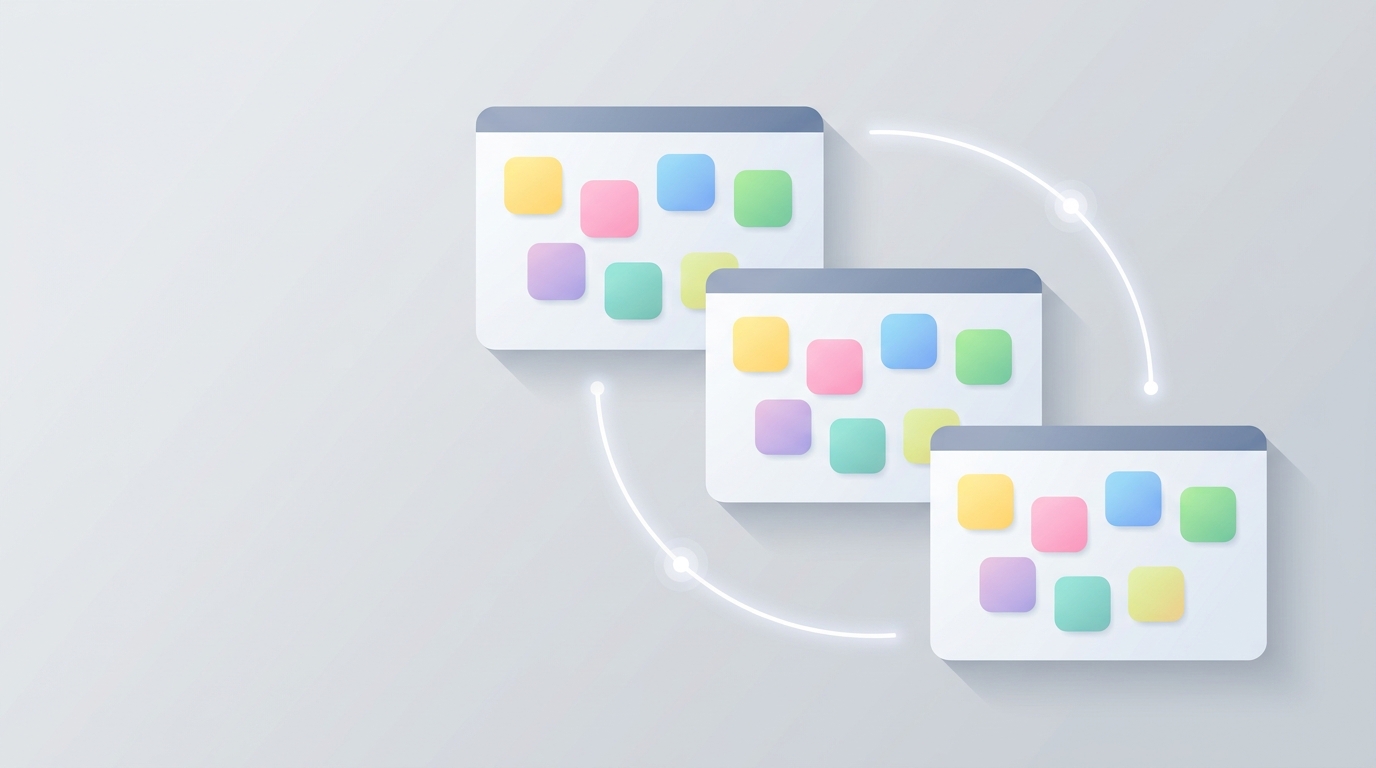
Main whiteboard canvas
About this app
Live Whiteboard is a multi-user sticky-note board that keeps all your connected tabs in perfect sync. Add a note in one tab and watch it appear in another within seconds—no refresh needed. Drag notes around the canvas, change their color, and delete them. Every action is broadcast to all connected clients via server-sent events, so your team stays aligned without polling or manual updates. Built for quick brainstorming, task tracking, and real-time collaboration.
How to use
- Open the whiteboardNavigate to the app. Your canvas loads with any existing notes from your previous sessions.
- Create a new noteClick the 'Add Note' button or click anywhere on the canvas to place a new sticky note.
- Type your note contentEnter text into the note. Changes are saved automatically and broadcast to all connected tabs.
- Drag to repositionClick and drag any note to move it around the canvas. Position updates sync in real time.
- Change note colorClick the color picker on a note to select yellow, pink, blue, or green. Color changes appear instantly on all clients.
- Delete a noteClick the delete button on a note to remove it. Deletion is broadcast immediately to all connected sessions.
- Open in another tabOpen the same app in a second tab as the same user. Watch notes appear and update live as you edit in the first tab.
More screenshots