Contrast
WCAG contrast checker for accessible color palettes
Design ToolsaccessibilitywcagcontrastcolordesignFreeShipped 5mo ago
Overview
About this app
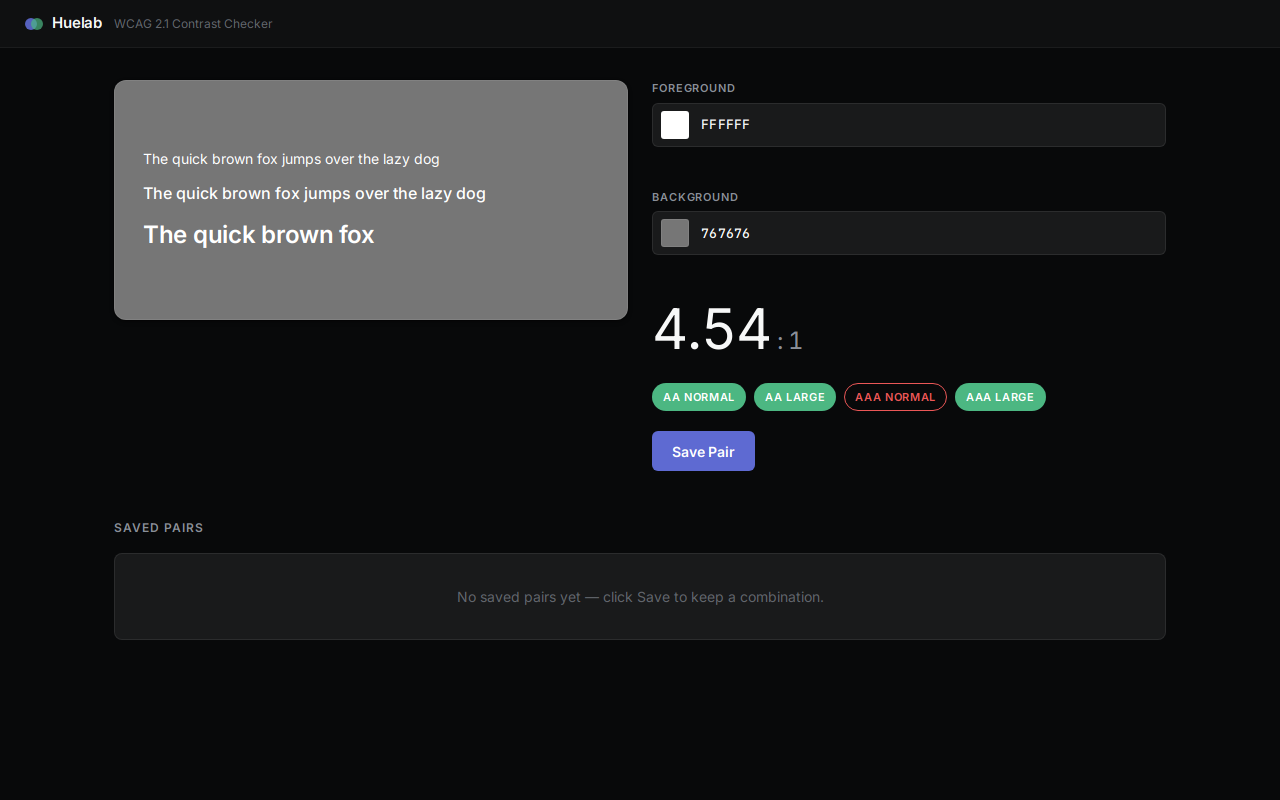
Huelab validates color pairings against WCAG 2.1 AA and AAA accessibility standards. Enter foreground and background hex colors to instantly see the computed contrast ratio and pass-fail badges for each compliance level. A live preview shows how text renders at multiple font weights with your chosen colors. Save approved pairs to build a personal palette library that persists across sessions. All calculations run in-browser with no external dependencies, making it fast and private for design teams reviewing color systems.
How to use
- Enter foreground colorPaste or type a hex color code (e.g., #FFFFFF) into the foreground input field.
- Enter background colorPaste or type a hex color code (e.g., #767676) into the background input field.
- View contrast ratio and badgesThe app displays the computed contrast ratio and shows green (pass) or red (fail) badges for AA and AAA compliance levels.
- Preview text renderingSee how your text appears at multiple font weights using the foreground and background colors you selected.
- Save the color pairClick the Save Pair button to store this combination in your personal palette library for future reference.
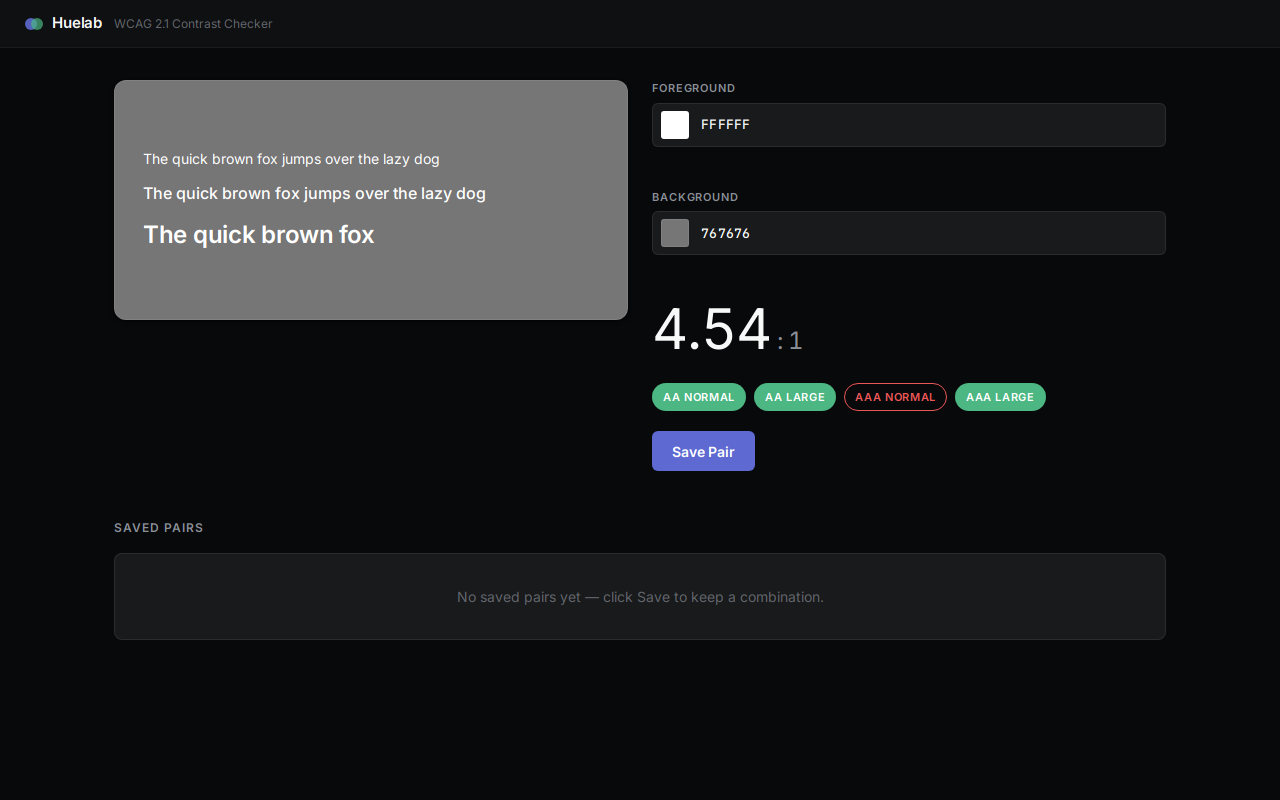
- Manage saved pairsView all saved pairs in the list below. Click any pair to reload its colors into the checker, or delete pairs you no longer need.
More screenshots