Cronograph
Cron expression builder with plain-English translation and schedule library.
Dev Toolscronschedulerdevopsdeveloper-toolutilityFreeShipped 5mo ago

Overview
About this app
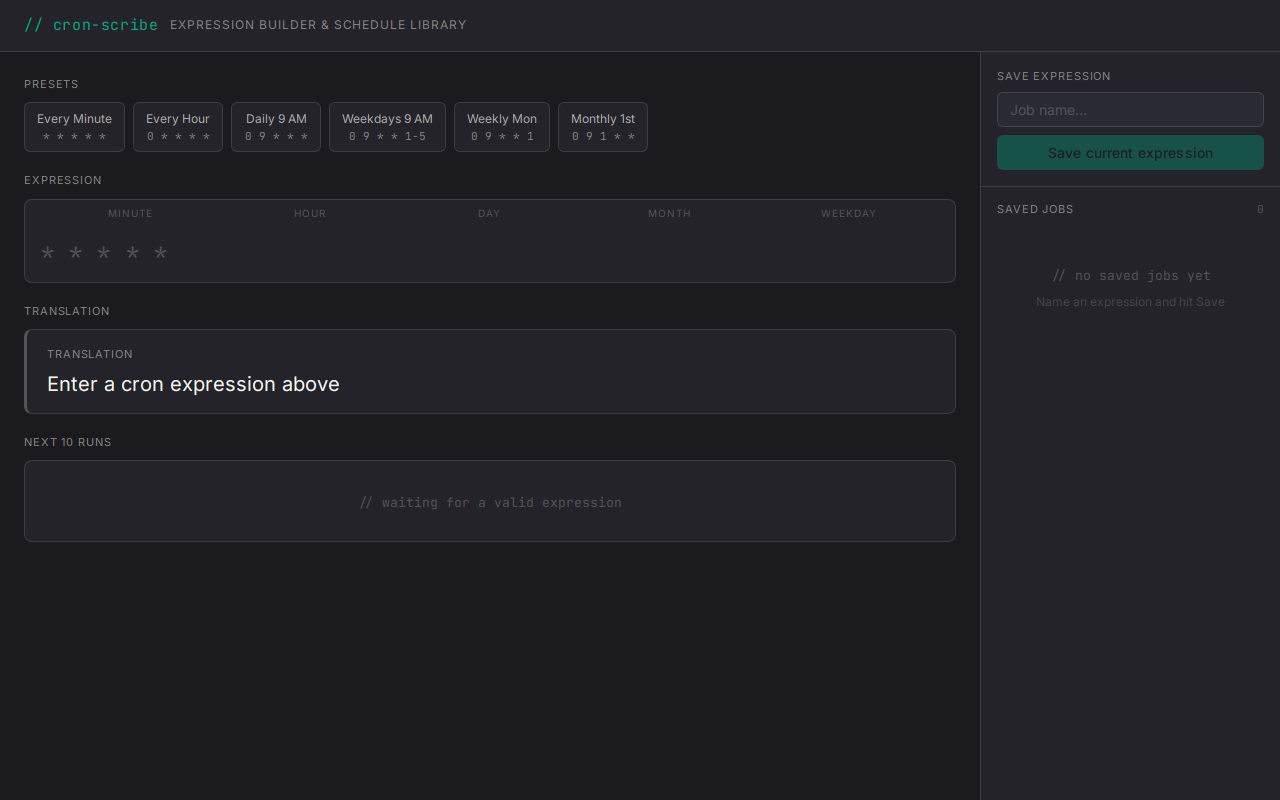
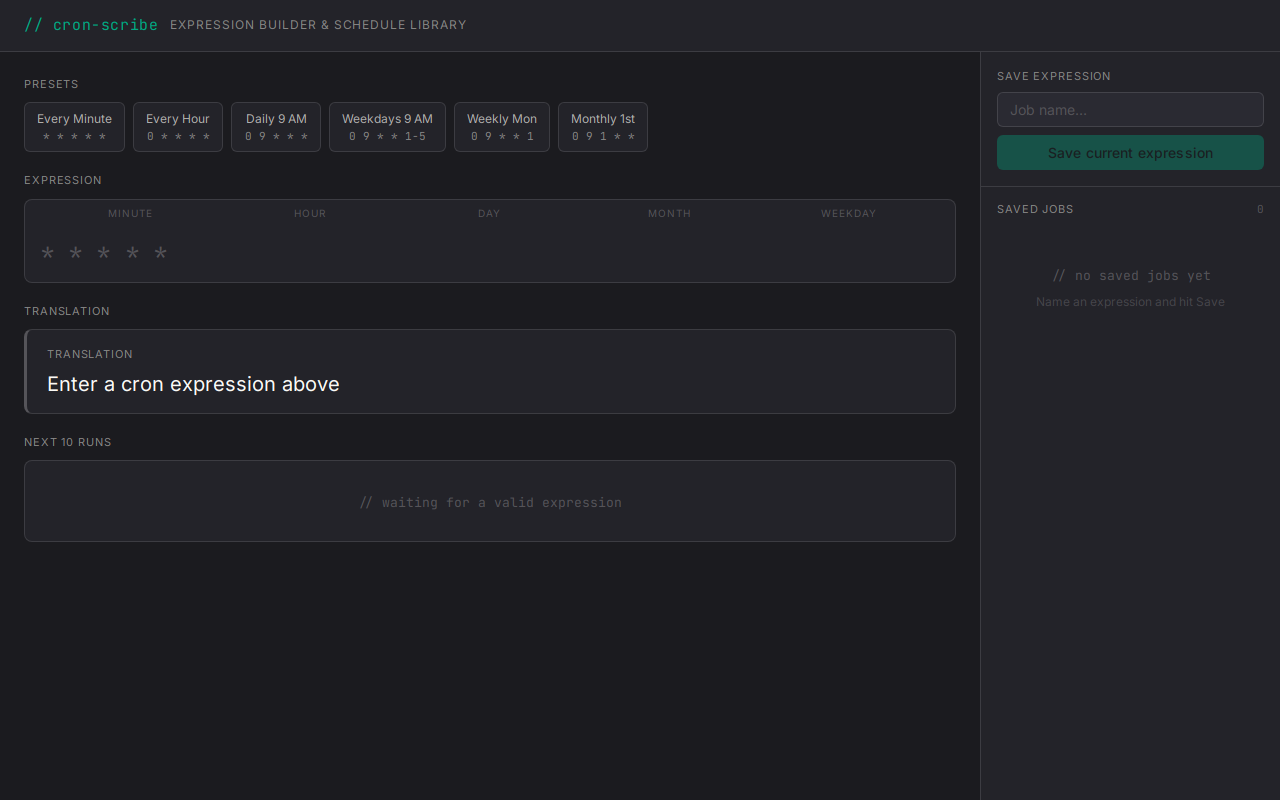
Cron Scribe is a cron expression builder designed for developers and DevOps engineers who need to understand and manage scheduled tasks. Type or paste any cron expression to instantly see a plain-English translation and a preview of the next 10 execution times. Use preset tiles for common schedules like hourly, nightly, or every weekday to auto-fill the editor. Save frequently-used jobs to your personal library for quick reuse without re-typing. No external APIs required; all processing happens locally.
How to use
- Enter a cron expressionType or paste a cron expression (e.g., "0 9 * * 1-5") into the editor field at the top of the screen.
- View the plain-English translationThe output card immediately displays a human-readable description of your expression, such as "Every weekday at 9:00 AM".
- Review upcoming execution timesScroll through the timeline list below the output card to see the next 10 dates and times when your job will run.
- Use preset tiles for common schedulesClick a preset tile like "Every Hour" or "Nightly" to auto-fill the expression field with a standard cron pattern.
- Save a job to your libraryEnter a job name and optional notes, then click Save. The job appears in the saved-jobs sidebar for future reference.
- Load a saved jobClick any job row in the sidebar to restore its expression into the editor and update the output card.
- Delete a saved jobClick the delete button next to a saved job, confirm the prompt, and the job is removed from your library.
More screenshots